
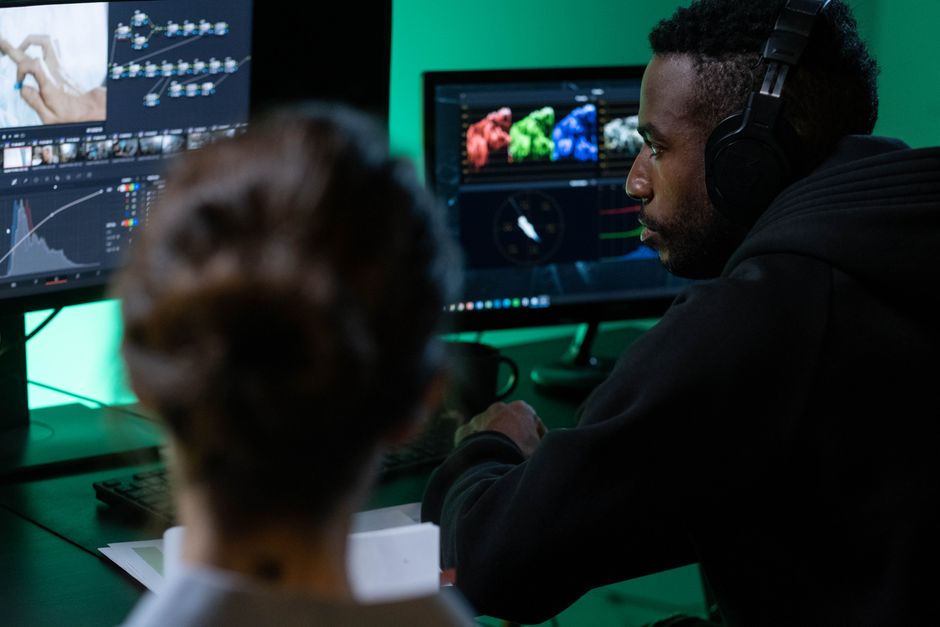
Clients increasingly expect motion alongside stills — a reel for the listing, an animated portfolio teaser, a behind-the-scenes clip for socials. You don’t need a second crew or a video rebrand to deliver it. The best AI video generators for photographers turn the work you already shoot into short, client-ready motion, and the strongest of them lead with image-to-video rather than text-to-video — which is exactly the bridge a photographer wants. This guide ranks the tools we’d actually reach for, starting with the one we’ve used most.
TL;DR
- Mobbi.ai — best all-rounder for photographers. Multi-model router (Sora 2, Veo 3.1, Kling 3.0) plus strong image-to-video, so your stills become the starting frame. Free daily credits to try it.
- Kling 3.0 — best for photorealistic human motion and native 4K hero shots.
- Runway / Veo 3.1 — most cinematic realism for premium client deliverables.
- Luma Dream Machine — fastest for high-volume social clips.
- Topview / Higgsfield — all-in-one for product and avatar-led short-form.
- AI video augments a photographer — it adds motion and volume; it doesn’t replace your eye, your direction, or your client relationship.
How AI video generators help photographers (not replace them)
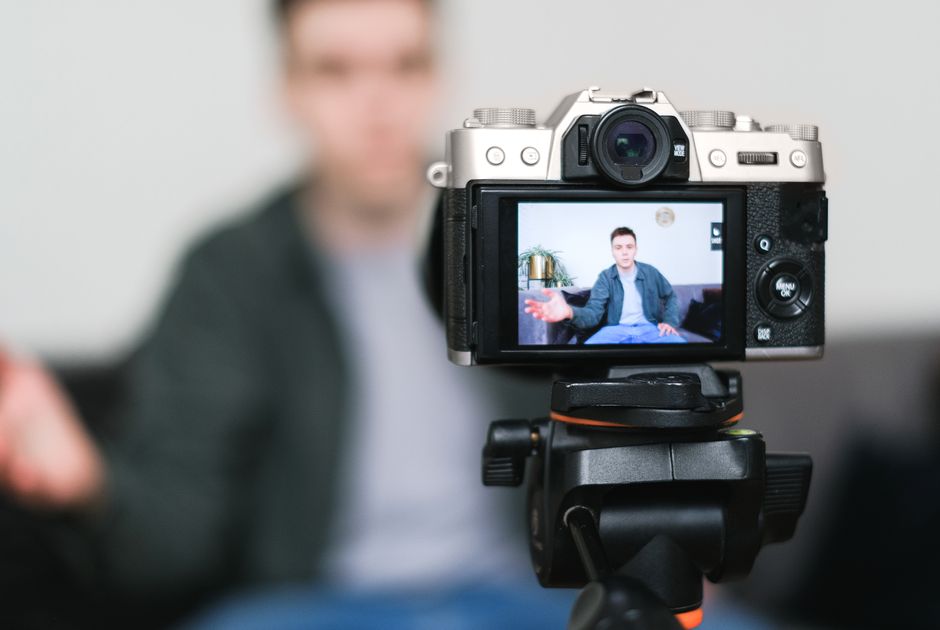
The fear that AI replaces photographers gets the relationship backwards. These tools have no eye for a moment, no rapport with a nervous couple, no judgment about light — they need source material and direction, both of which are yours to give. Used well, AI video is a delivery and volume multiplier sitting on top of work you already do. A few concrete ways photographers are using it in 2026:
- Animate hero stills. Feed a single portrait or landscape in as the opening frame and get a few seconds of subtle motion — drifting clouds, a slow push-in — for a portfolio teaser or an Instagram Reel.
- Real-estate and venue walkthroughs. Turn a set of listing stills into a short motion sequence for agents who want video but won’t pay for a videographer.
- Behind-the-scenes and promo reels. Stitch shoot stills into a branded clip to market your own services.
- Client pitch teasers. A 15-second animated preview of a styled shoot lands very differently than a flat PDF.
- Repurpose one shoot into weeks of content. One wedding or product session becomes a backlog of short-form video for the algorithm.
None of that competes with your core craft — it monetizes the assets you’re already producing. If you’re already thinking about how AI fits a photography business, it pairs naturally with the best AI image generators, building AI moodboards for client pre-pro, and AI detection tools for vetting sample galleries.
Best AI video generators for photographers, ranked
1. Mobbi.ai — best all-rounder
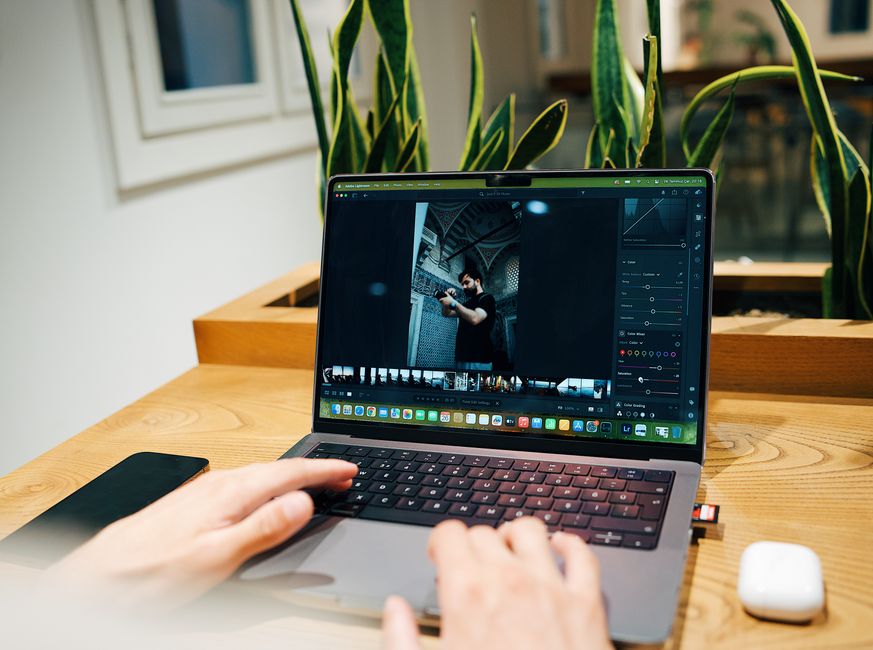
Mobbi launched in early 2026 as a multi-model “AI video agent,” and it’s the tool we’ve personally used the most. Instead of locking you to one engine, it routes each request to the right model — Sora 2, Veo 3.1, Kling 3.0, Seedance — so you don’t have to learn the quirks of each. For photographers the killer feature is image-to-video: your still becomes the first frame, which keeps the result anchored to your composition rather than hallucinating something generic. The Story Agent will also assemble multi-scene clips with voiceover for longer pieces.
Why it’s first: the image-to-video workflow fits how photographers actually work, the model routing removes the learning curve, and a free daily-credit tier means you can test it on a live deliverable. Paid plans start around $9.90/month. Honest caveat: the free credits go quickly once you’re generating seriously, and conversational prompting trades some frame-level control for speed.
2. Kling 3.0 — best for photorealistic human motion
Kling has built its reputation on realistic human characters and movement, and 3.0 delivers native 4K output without an upscaling pass. If your work centers on people — portraits, weddings, fashion — and you want hero motion that holds up at full resolution, this is the quality leader. There’s a usable free tier to evaluate it.
3. Runway / Veo 3.1 — most cinematic realism
For premium client deliverables where the video itself is the product, Veo 3.1 (and Runway’s suite around it) produces the most convincing cinematic realism. It’s overkill for a quick social clip but the right call when a commercial client is paying for polish.
4. Luma Dream Machine — fastest for social volume
When you need eye-catching clips quickly and in quantity, Luma is built for speed without throwing away quality. It’s a strong fit for photographers managing their own social calendar who care more about cadence than per-clip perfection.
5. Topview / Higgsfield — all-in-one short-form
Both bundle generation, auto-editing, and templates for product clips, explainers, and avatar-led content. Higgsfield in particular adds character consistency and camera control on top of the raw models — handy if you’re producing recurring branded short-form rather than one-off hero shots.
How to choose (a photographer’s lens)
Ignore the marketing benchmarks and pick on the four things that matter for client work:
- Image-to-video first. You want a tool that takes your still as the starting frame. Pure text-to-video drifts away from your composition — fine for concepts, weak for delivering on a specific shoot.
- Output resolution. For paid client delivery, you want native 4K (Kling) or a clean upscale path. Social-only? 1080p is fine.
- Budget vs. volume. Credit systems burn fast. Estimate clips-per-month and price the tier honestly — the cheapest plan rarely covers real production.
- Learning curve. A multi-model router like Mobbi hides the per-engine quirks; single-model tools reward time spent learning their prompt style.
Whatever you pick, treat the output like any other deliverable: review it on a calibrated screen, and remember that good audio still matters — see our picks for the best microphones for video and gimbals and stabilizers if you’re also shooting your own footage to mix with AI clips.
FAQ
Can AI video replace a photographer?
No. AI generates motion from source material and prompts — it has no eye for a decisive moment, no ability to direct subjects, and no client relationship. It’s a tool that extends what a photographer delivers, not a substitute for one.
What’s the best free AI video generator?
Mobbi.ai offers free daily credits with no card required, which makes it the easiest to test on a real shoot. Kling also has a usable free tier worth trying for human-motion quality.
Can I turn my photos into a video?
Yes — that’s the image-to-video feature, and it’s the most useful one for photographers. You upload a still as the opening frame and the model animates from it, keeping your composition intact.
Is AI video good enough for client delivery?
For social clips, teasers, and listing motion, yes. For premium commercial work, use a 4K-capable model (Kling) or Veo 3.1, and always review on a calibrated screen before sending.
Where to go next
Start with Mobbi.ai‘s free credits and run one of your existing hero stills through image-to-video — it’s the fastest way to see whether AI motion fits your service menu. From there, layer in a 4K tool like Kling for premium deliverables. AI video won’t replace your craft; it just turns the photos you already shoot into a second product line. And for stills, our free AI Headshot Generator turns a selfie into a professional headshot in seconds.