
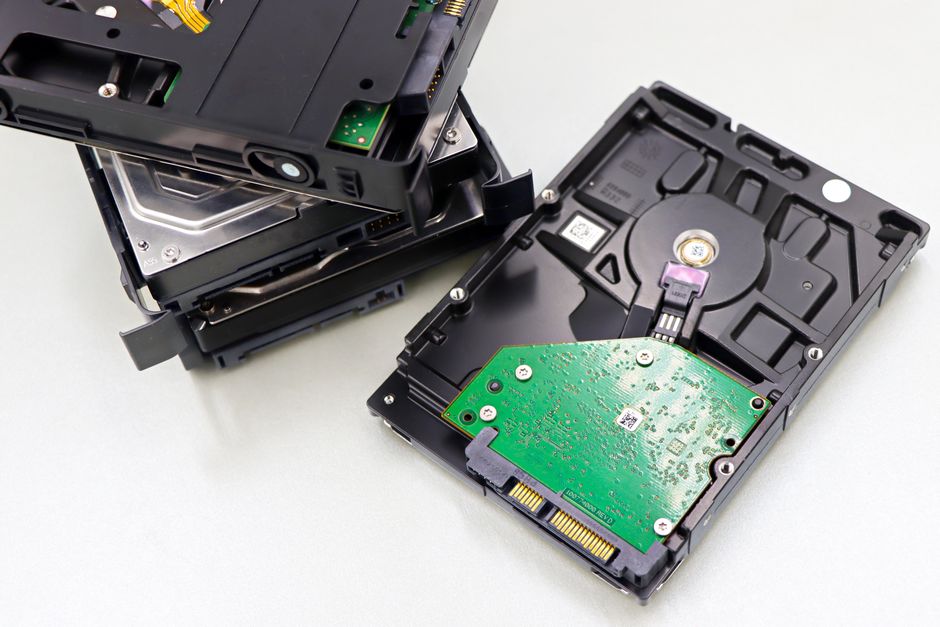
For photographers, storage is not an afterthought, it is part of the workflow. RAW files and high-bitrate video pile up fast, and a fast, reliable external SSD lets you offload cards in the field, edit directly off the drive, and keep redundant backups without waiting on slow spinning disks. The right drive can shave hours off ingest and culling sessions. This guide explains what matters and recommends real, current external SSDs that photographers actually rely on.
The picks below are grouped by use case, from rugged field drives to high-speed editing scratch disks, so you can match the storage to your shooting and post-production needs.
As an Amazon Associate we earn from qualifying purchases. Some links in this article are affiliate links — they don't cost you anything extra.
What to look for in the best external SSDs for photographers
Start with the interface and real-world speed. A USB SSD is plenty fast for offloading and most editing, while a Thunderbolt or USB4 NVMe enclosure unlocks much higher transfer rates for heavy video work and editing large libraries directly off the drive. Match the drive’s interface to your computer’s ports to actually realize those speeds.
Next, weigh capacity against budget. RAW and video accumulate quickly, so 1TB is a sensible minimum and 2TB or 4TB is common for working photographers. Durability matters in the field, so look for drives with shock resistance and, where possible, water and dust ratings. Finally, consider build quality, cable type, and whether you want hardware encryption to protect client work.
Best all-around portable SSD: Samsung T9
The Samsung T9 offers fast USB speeds in a small, grippy, durable shell that survives life in a camera bag. It is an excellent everyday drive for offloading cards on location and editing without lugging a desktop setup. For most photographers it is the easy default recommendation.
Best rugged field drive: SanDisk Extreme Pro Portable SSD
The SanDisk Extreme Pro Portable SSD is built for the field, with a rugged enclosure, an attachment loop for a carabiner, and water and dust resistance. If you shoot landscapes, weddings, or events where the drive gets handled roughly, its durability and dependable speed make it a trusted companion.
Best high-speed Thunderbolt option: SanDisk Pro-G40 SSD
For photographers who also shoot video or want to edit large libraries directly off an external drive, the SanDisk Professional Pro-G40 uses a Thunderbolt and USB interface to deliver much higher sustained transfer speeds than standard USB SSDs. It is rugged too, making it a strong choice for demanding hybrid shooters.
Best budget pick: Crucial X9 Pro
The Crucial X9 Pro delivers solid USB speeds and a slim, durable body at a friendly price. For photographers building out a backup rotation on a budget, or anyone who wants a dependable secondary drive, it offers strong value without sacrificing reliability.
Best for maximum speed: USB4 or Thunderbolt NVMe enclosure
Power users who want the fastest possible scratch disk can pair a quality USB4 or Thunderbolt NVMe enclosure, such as those from OWC or Sabrent, with a high-end NVMe drive. This DIY route can deliver excellent sustained speeds and lets you choose your own capacity, though it requires a bit more setup than a sealed portable SSD.
Buying considerations and backup strategy
No single drive is a backup. Follow a 3-2-1 approach: keep at least three copies of important work, on two different types of media, with one copy offsite or in the cloud. An SSD is ideal as a fast working drive and a first backup, but pair it with a second drive or cloud sync for redundancy. Also confirm the included cable and your computer’s ports support the speeds you are paying for, since a fast drive on a slow port wastes its potential.
Frequently asked questions
How much storage do I need? For most photographers, 1TB is a reasonable minimum, with 2TB or 4TB being common for those shooting high-resolution RAW or video. Buy more than you think you need, since libraries grow faster than expected.
Is Thunderbolt worth it over USB? For still photography, a fast USB SSD is usually plenty. Thunderbolt or USB4 becomes worthwhile if you edit large video files or work directly off the external drive and want the highest sustained speeds.
Can I edit directly off an external SSD? Yes, a fast external SSD is well suited to editing photo libraries and even video, which is one of the main reasons photographers prefer SSDs over slower portable hard drives.
Should I rely on a single SSD for backups? No. Use a 3-2-1 strategy with multiple copies across different media and an offsite or cloud copy. An SSD is a great working drive and first backup, but not your only safeguard.
Why is my drive slower than advertised? Advertised speeds assume a compatible port and cable. Plugging a fast SSD into an older or slower USB port, or using a low-spec cable, can significantly reduce real transfer rates.
🛒 Shop the gear: Browse all storage & editing gear in our shop →